See how the SDR operation comes together
See how work moves seamlessly between SDRs, SDR Heads, and AEs, from first signal to final outcome.
Every role starts with a different question.
Where does my team need me?
Get full visibility into team performance, account coverage, meeting quality, and where coaching moves the needle.
What should I do next?
Prioritize high-fit accounts, see why now, and execute phone, email, and LinkedIn outreach with complete context.
What happened, and how do I move it forward?
Start meetings with SDR discovery, signals, and past conversations in view, and convert discussions into opportunities.
One connected workspace brings the answers together.
Follow the steps below to understand how every step is connected as an account moves through the sales process inside Harvin.
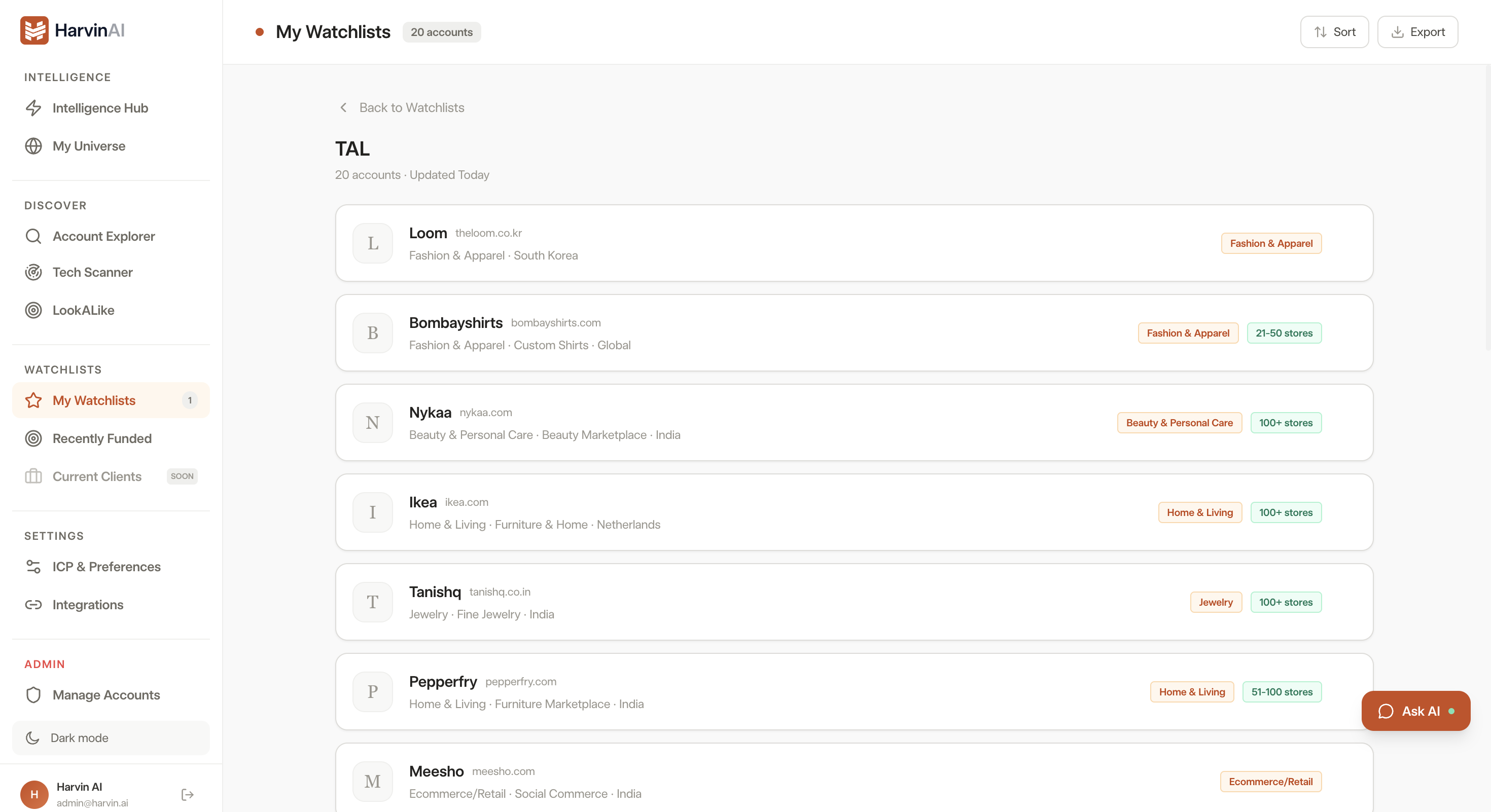
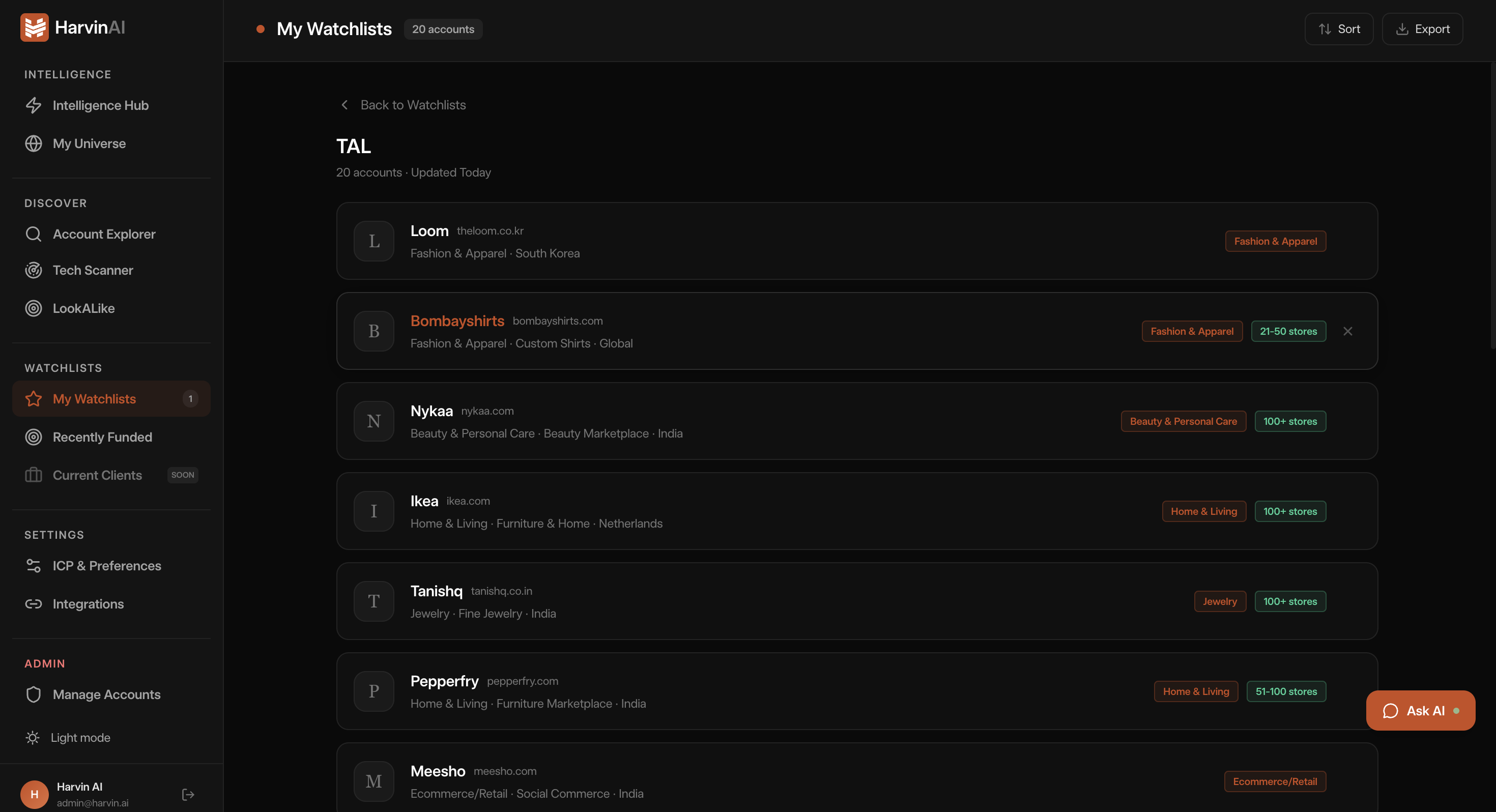
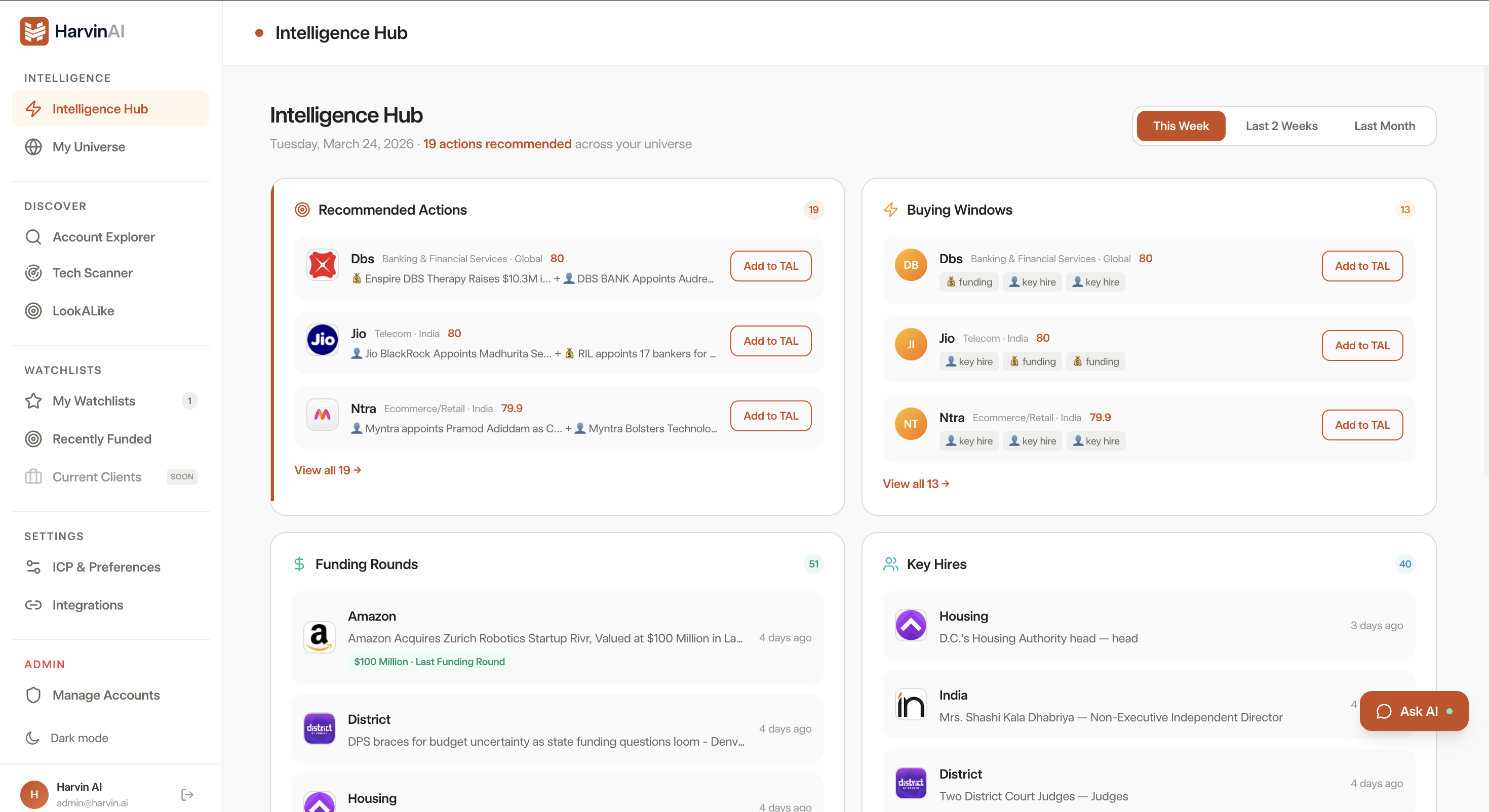
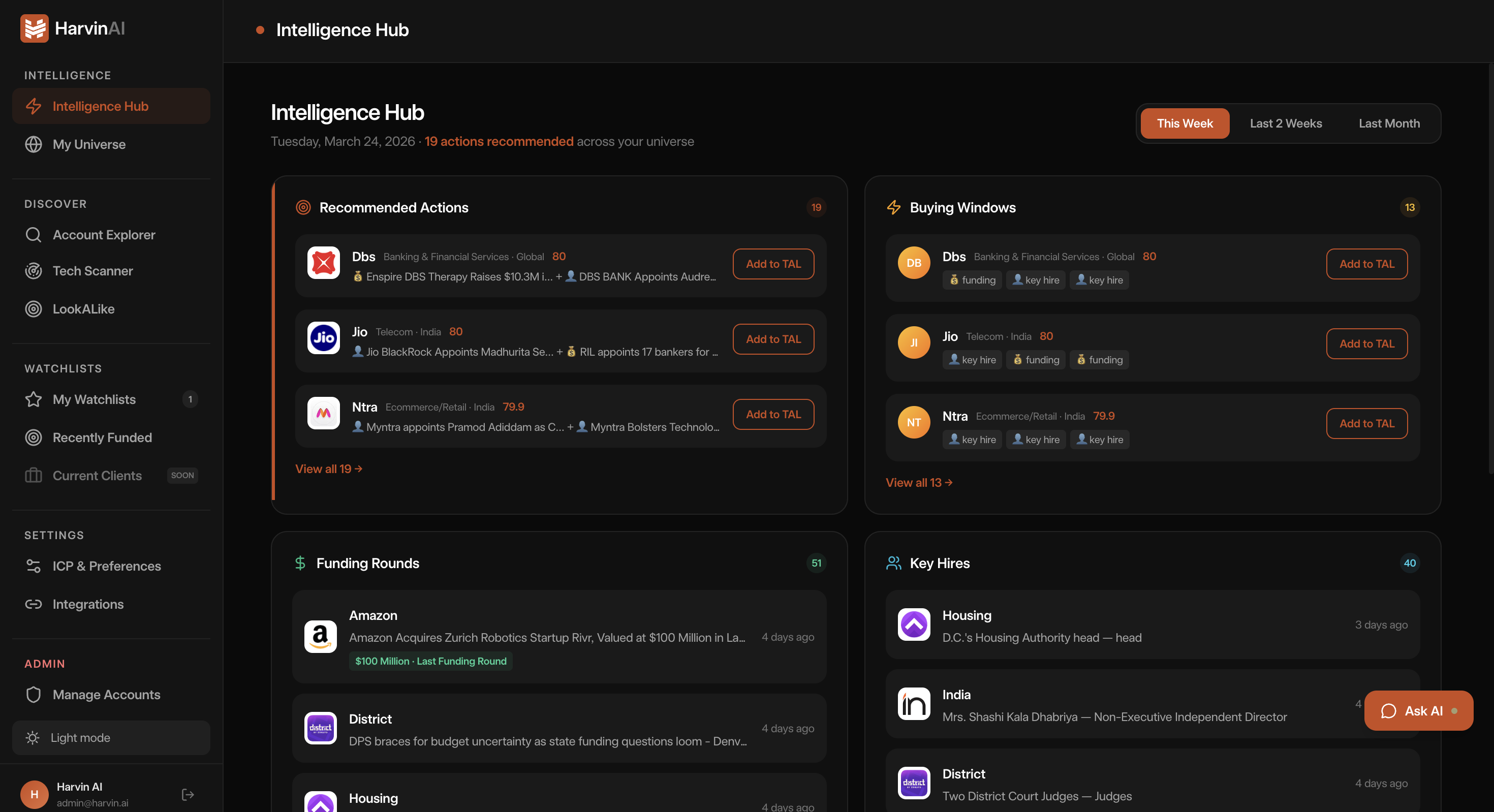
Prioritize accounts using buying signals.
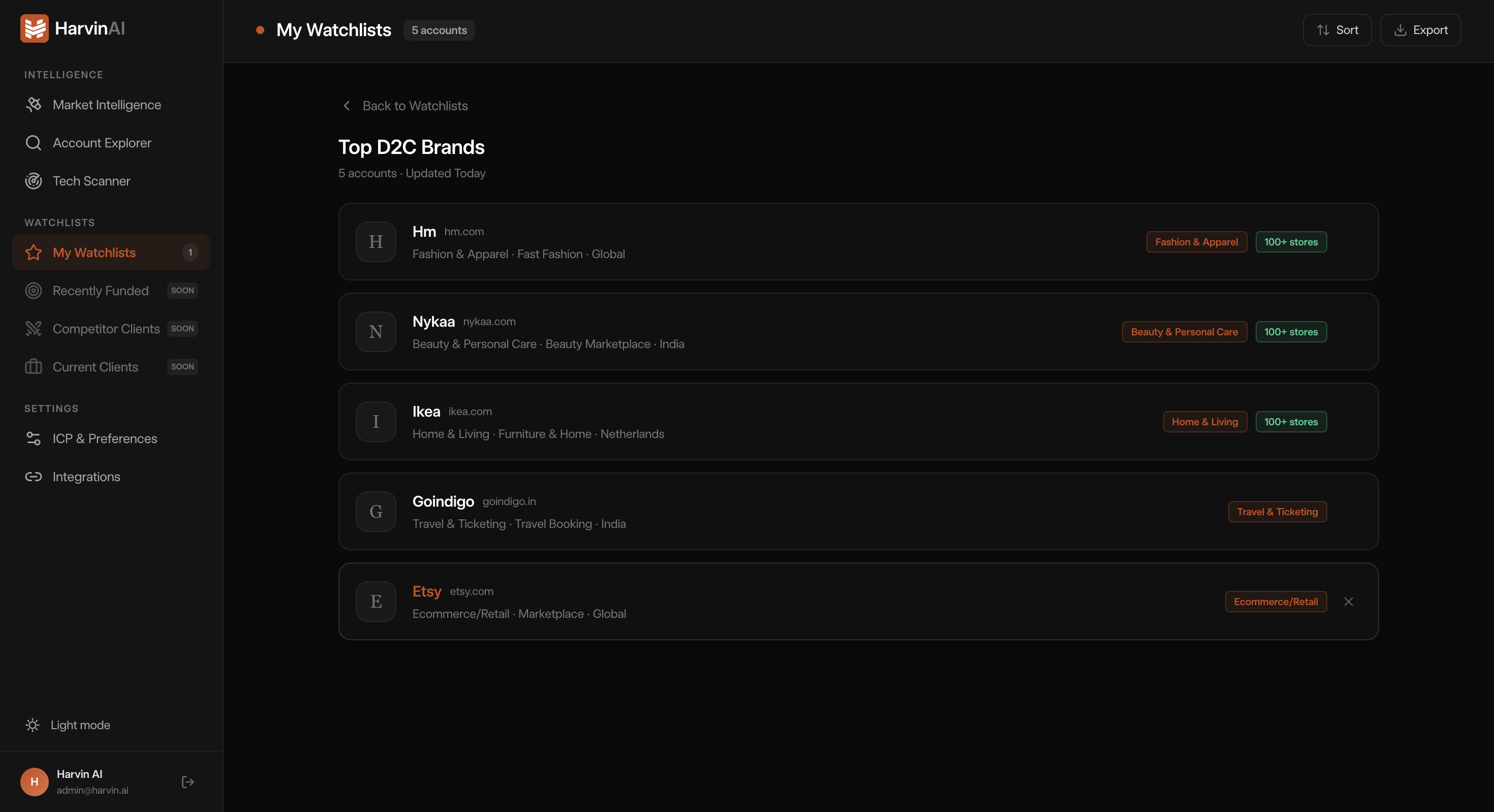
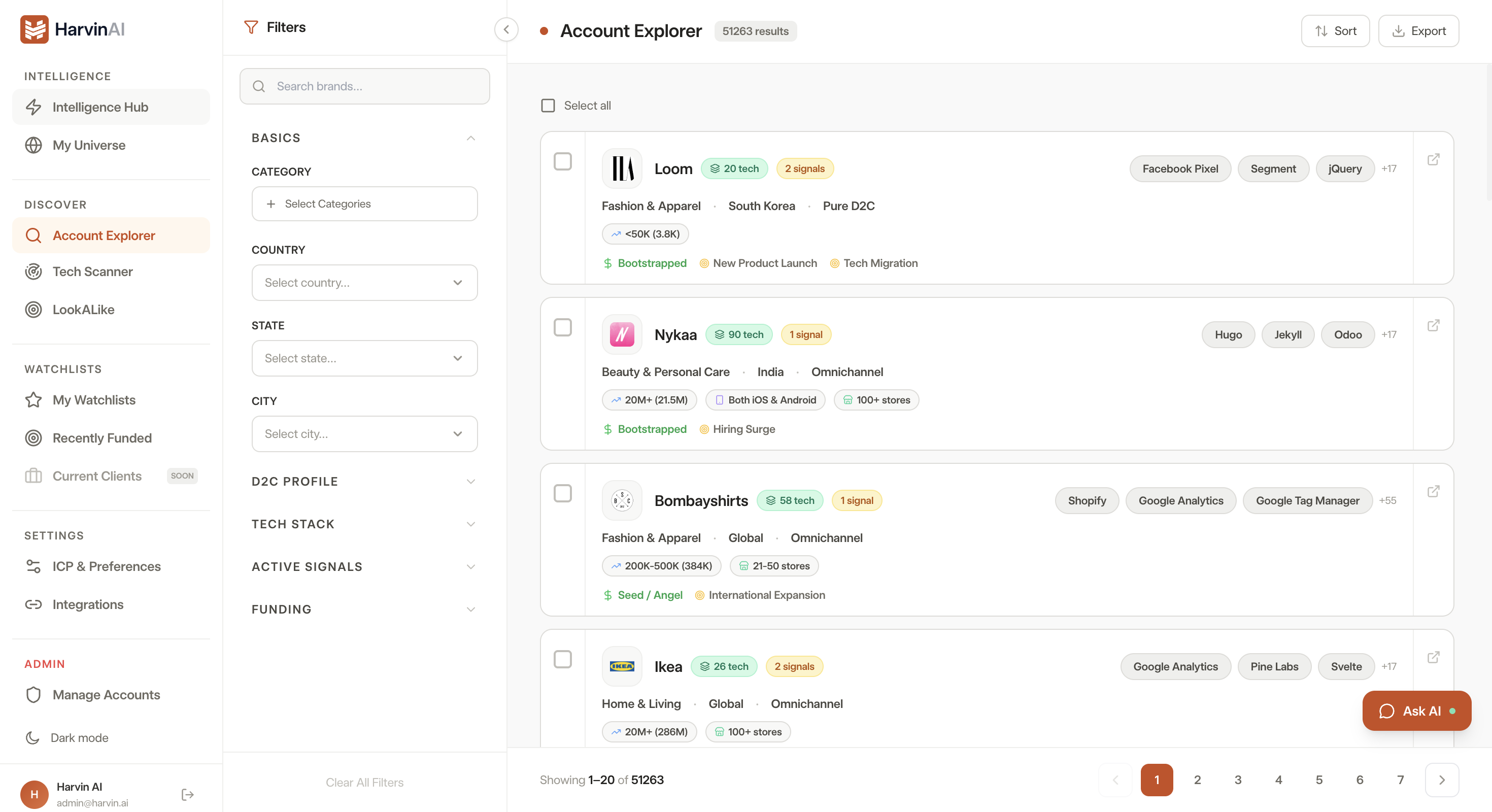
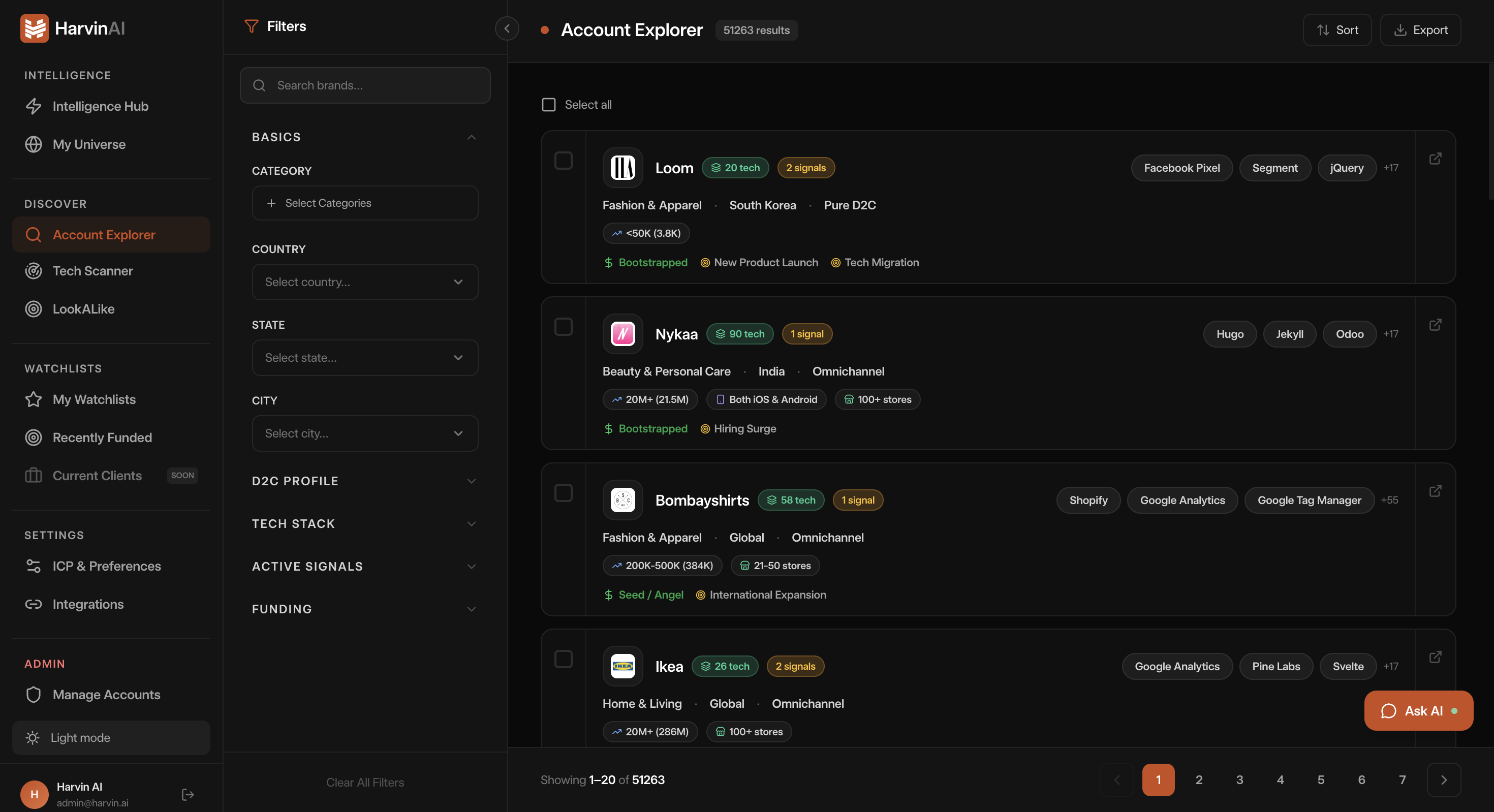
Harvin brings account signals, context and activity together so SDRs can see which accounts deserve attention and why.
Funding, hiring, technology changes and other relevant signals help turn a large account pool into a focused workday. SDR Heads can also push accounts into this priority list based on their judgement.
Understand every account with Account 360°
Account 360° brings company context, buying signals, relevant people and previous interactions together in one place.
Understand why the account matters now, who to contact and what has already happened before you reach out.
Run multichannel sales outreach.
Reach out without losing the context you just built. Email, LinkedIn and calling stay connected to the account and contact, so you can execute outreach and capture the next step without jumping between disconnected workflows.
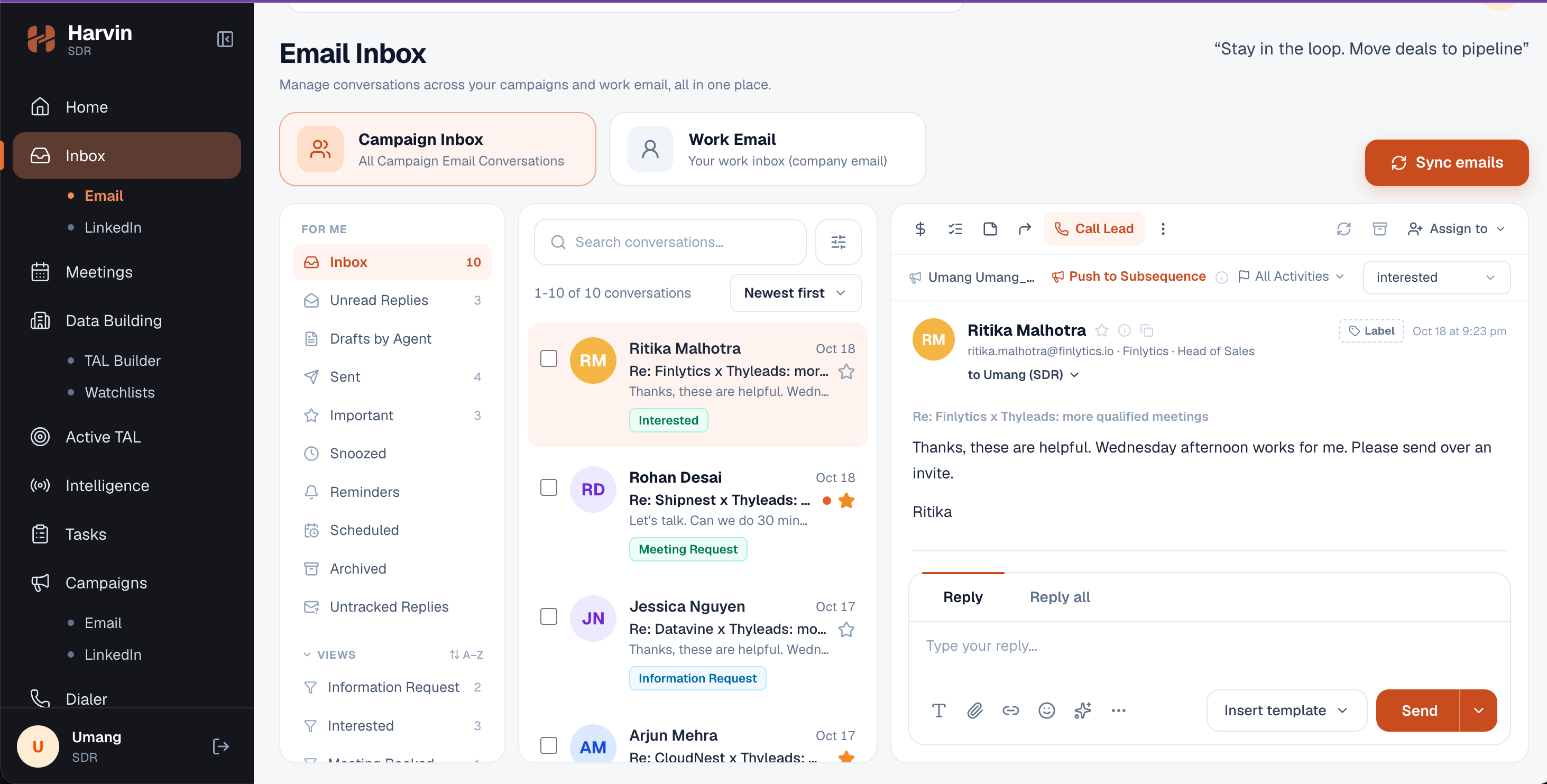
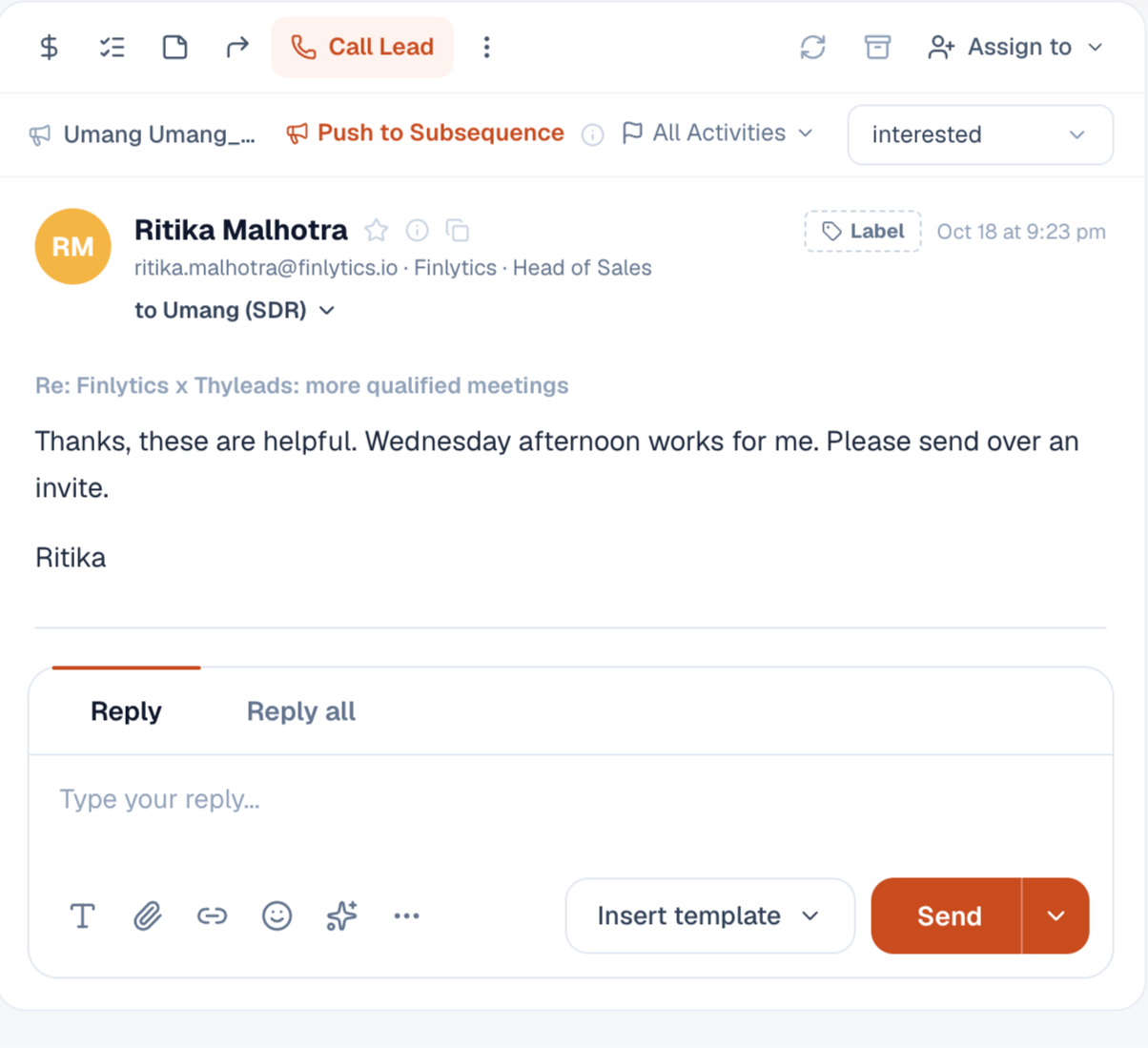
Manage replies, follow-ups and tasks in one workflow.
Replies, follow-ups, meetings and tasks stay connected to the daily workflow. Harvin keeps the next action visible so important work does not disappear between conversations, reminders and meetings.
Seamless SDR-to-AE Handoff
The AE does not start from a calendar invite. They start with the work the SDR has already done.
Account context, prospect information, why now, SDR discovery and previous interactions travel directly with the booked meeting.
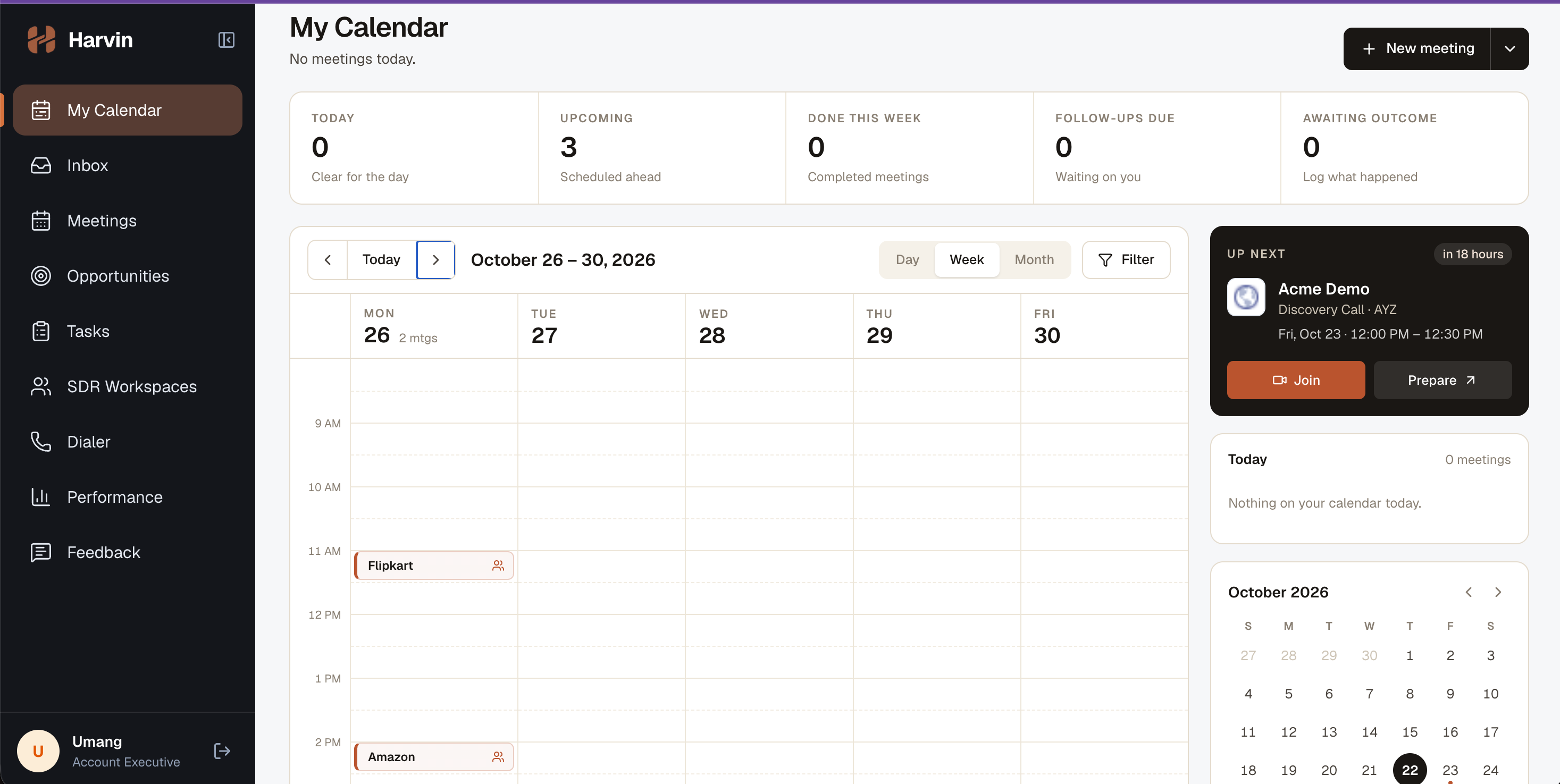
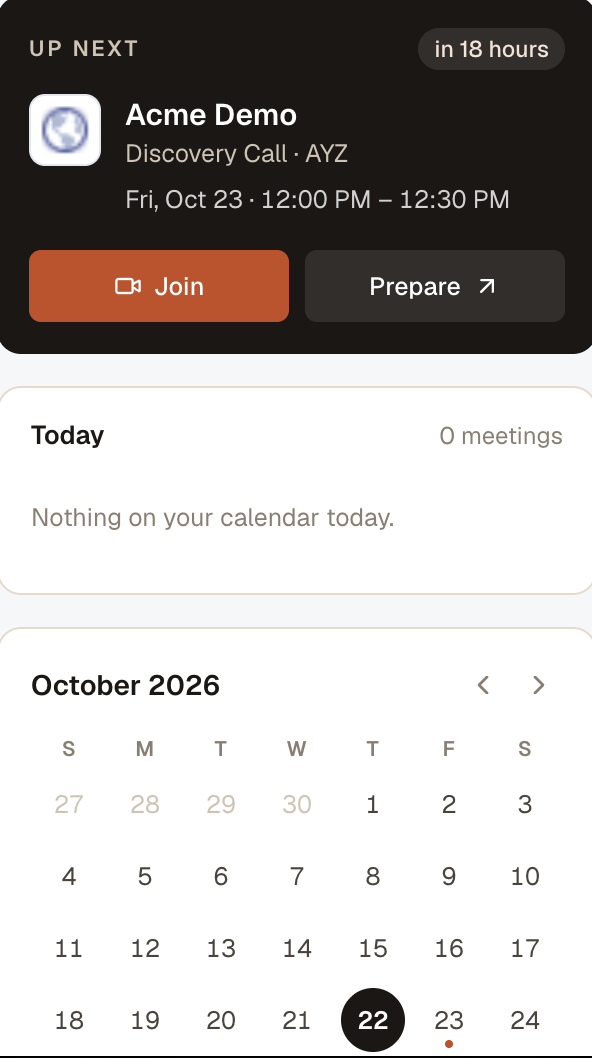
Turn the meeting into an opportunity.
Capture the meeting outcome, move relevant conversations into an opportunity workflow and keep follow-up actions visible. Harvin helps the AE carry momentum from the meeting into the next stage.
Close the SDR-AE feedback loop
What happens after the meeting shouldn't disappear. AE feedback flows back to the SDR and SDR Head, connecting meeting outcomes to coaching, learning and future execution.
Run the SDR team from one command center.
SDR Heads get a connected view of team health, goal attainment, meeting quality, AE acceptance, account coverage and performance.
Instead of checking multiple dashboards to find an issue, managers can see where attention is needed and open the relevant SDR, account or meeting context directly.
Get to know Harvin better.
One operation. One connected workspace.
See what changes when your SDR team, managers, and AEs work from the same connected workflow.